Best dictation software for Mac in 2026: 7 speech to text apps compared
Dictation on the Mac splits into two camps. Local apps run a speech model on your machine: private, offline, usually a one-time purchase. Cloud apps send audio to a server: they add AI text cleanup and cross-device sync, and charge monthly for it. Which camp you belong in decides most of this comparison before accuracy even enters the picture.
| App | Runs | Price | Best for |
|---|---|---|---|
| Dictano | ✓ On-device | ✓ $29 one-time (30-day refund) | Private press-speak-paste dictation |
| SuperWhisper | On-device (or cloud models) | $8.49/mo or $249.99 lifetime | Tinkerers who want modes and model choice |
| Wispr Flow | Cloud | $15/mo | AI-polished output, Windows/iOS sync |
| MacWhisper | On-device | One-time | Transcribing files, not live dictation |
| VoiceInk | On-device | $29-$69 one-time, open source | Open-source purists |
| Aqua Voice | Cloud | Subscription | Context-aware AI dictation |
| Apple dictation | Mixed | Free | Short casual bursts |
1. Dictano: the private default
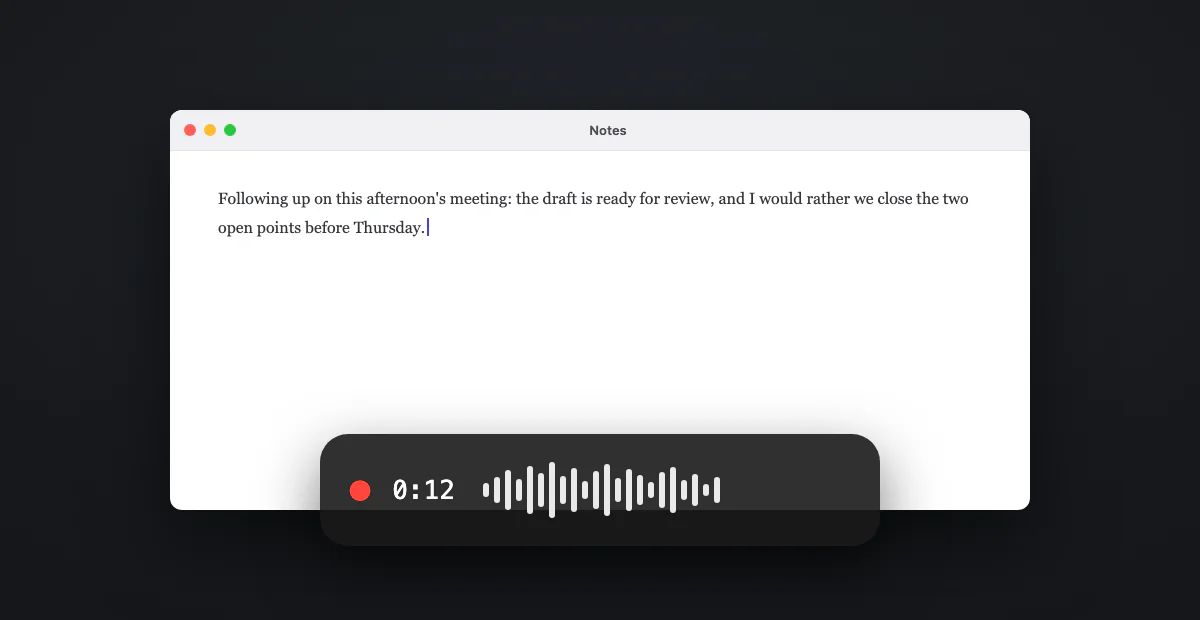
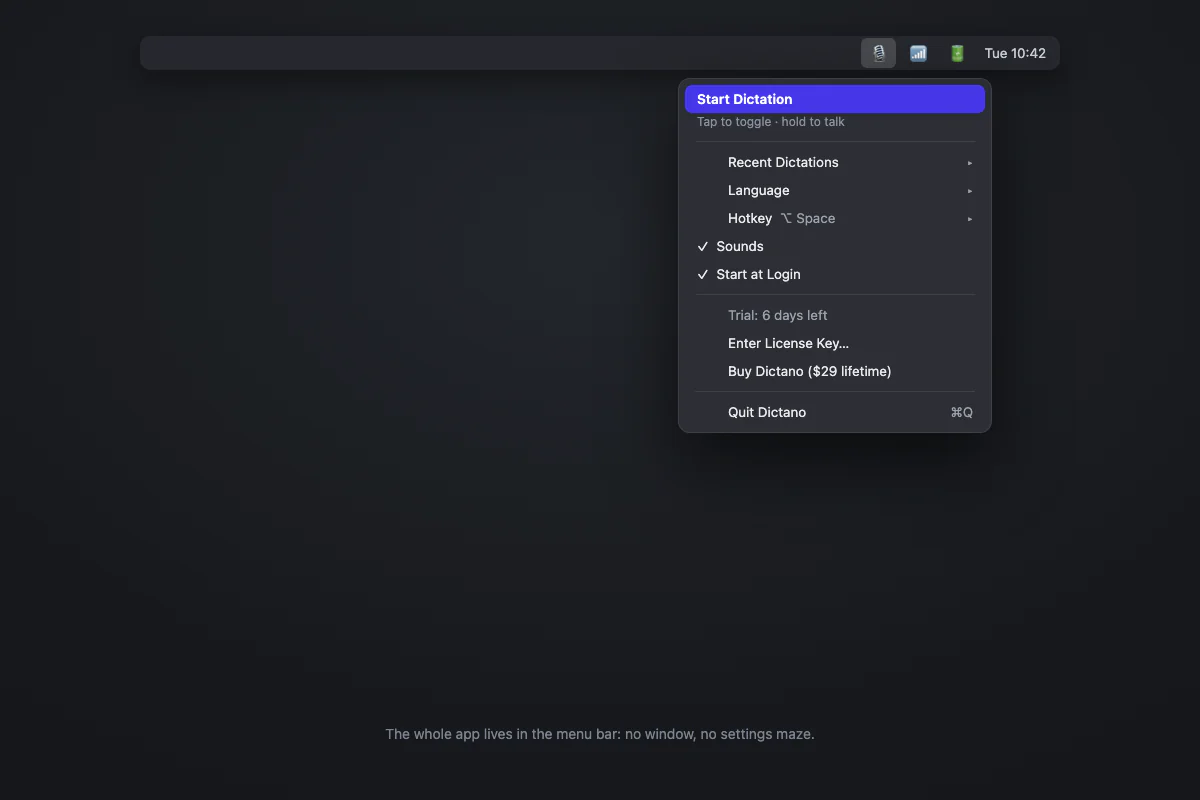
Dictano is our app, so take the placement as the opinion it is, but the reasoning is simple. Most people asking for dictation software want exactly one flow: press a key, talk, and have accurate text appear where the cursor is. Dictano does that one flow with Whisper large-v3-turbo running fully on your Mac. It is a 3 MB native app with a hotkey (⌥ Space), a live recording meter, automatic language detection, and nothing else to configure. No account, no cloud, no subscription: a $29 one-time payment with a 30-day money-back guarantee.
What it deliberately does not do: AI rewriting of your words, meeting recording, file transcription. If you need those, keep reading. If you need trustworthy dictation, start here.
2. SuperWhisper: powerful, priced like it
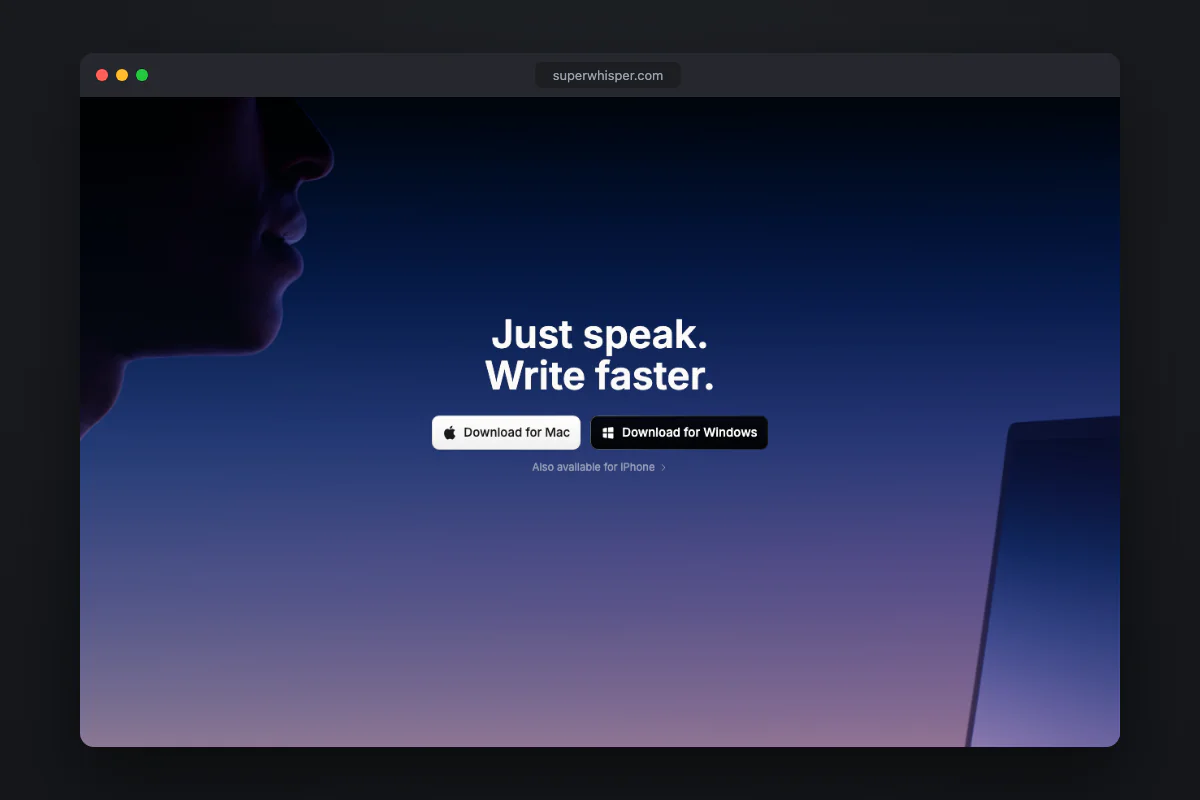
SuperWhisper is the most configurable local option: multiple Whisper and Parakeet models, custom "modes" that post-process text for email or notes, cloud models if you want them. It earned its popularity. Two caveats. The pricing pushes you to $8.49 a month or a steep $249.99 lifetime, a lot for dictation. And the flexibility comes with a settings surface many users simply never need. We compare them in detail in our SuperWhisper alternative page.
3. Wispr Flow: the polished cloud option
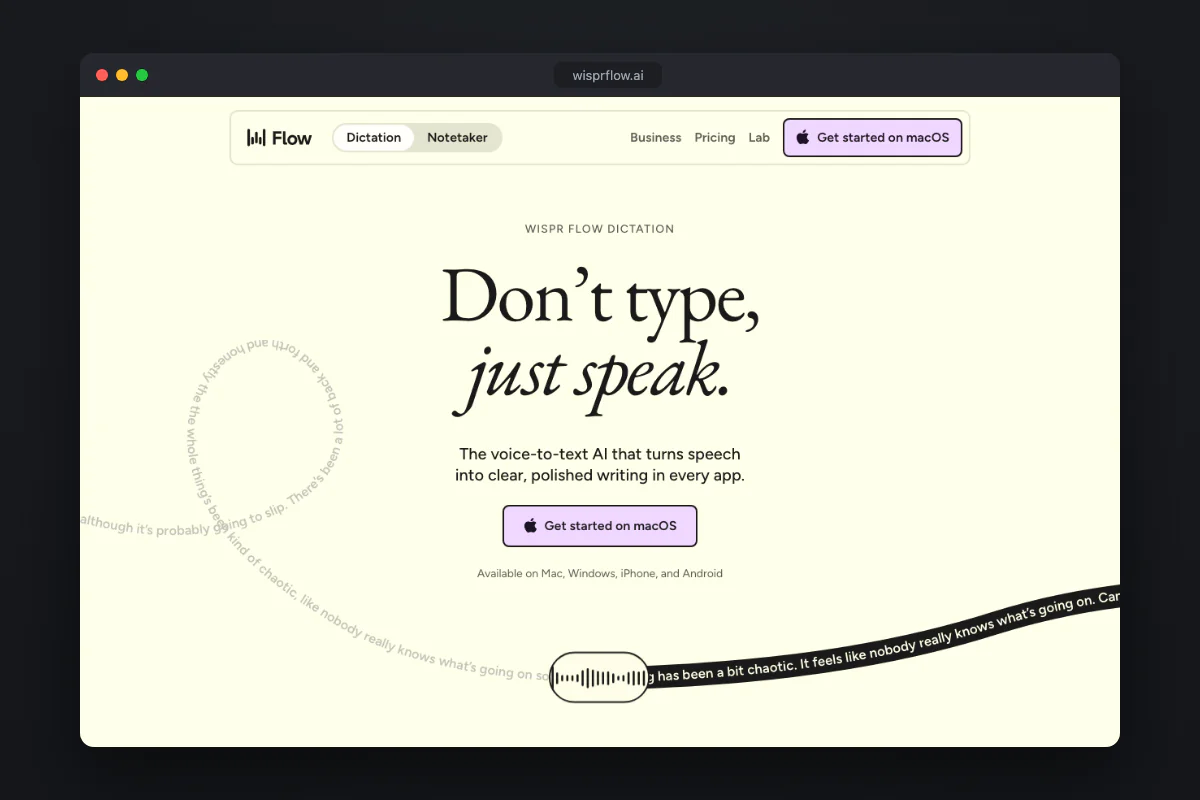
Wispr Flow is the best-funded product in the space and it shows: excellent onboarding, an AI cleanup pass that removes filler words and tightens phrasing, Windows and iPhone apps. The trade-off is structural, not a bug: every word you dictate is processed on their servers, there is no offline mode at any price, and it costs $15 a month forever. If either the privacy or the price bothers you, see our Wispr Flow alternative breakdown.
4. MacWhisper: for files, not live dictation
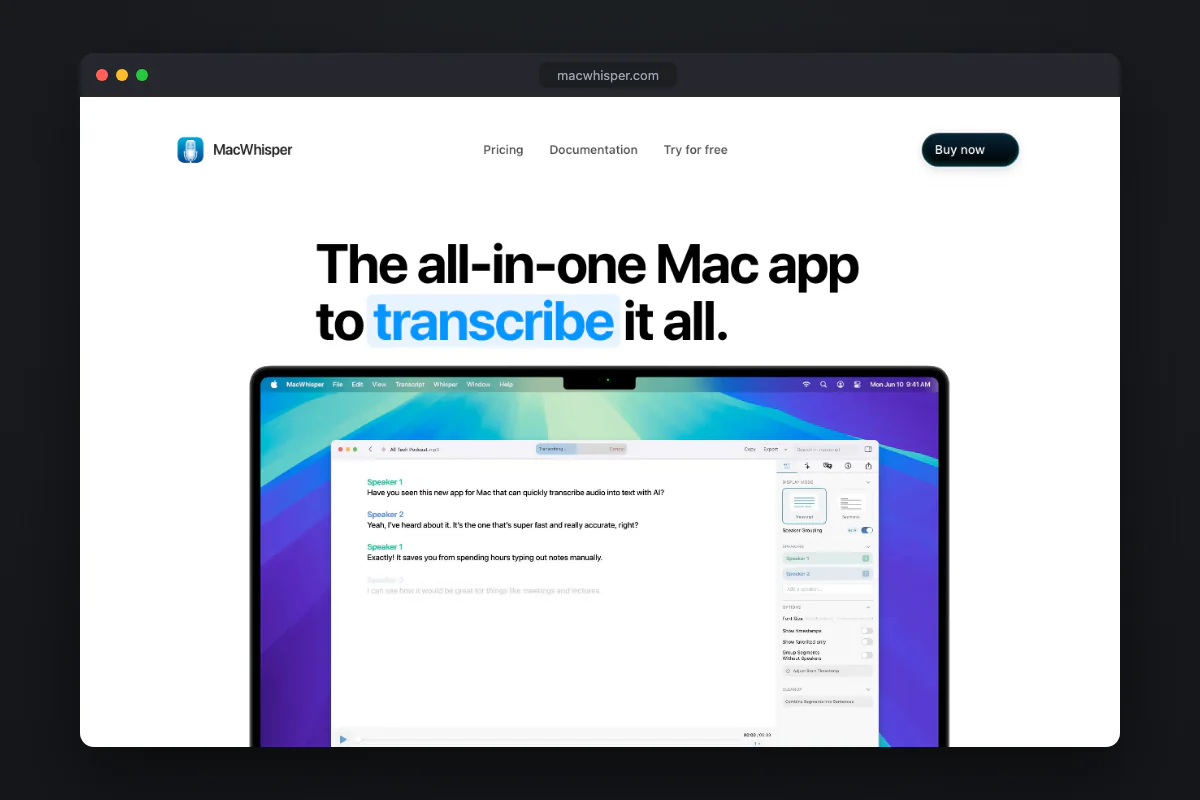
MacWhisper is a great app most people misfile. Its core is transcribing audio files: interviews, podcasts, lectures, meeting recordings, with speaker detection and subtitle export. It has a dictation feature, but the workflow is built around drag-a-file-in. Buy it for transcription work; pick a hotkey-first app for everyday dictation.
5. VoiceInk: the open-source pick
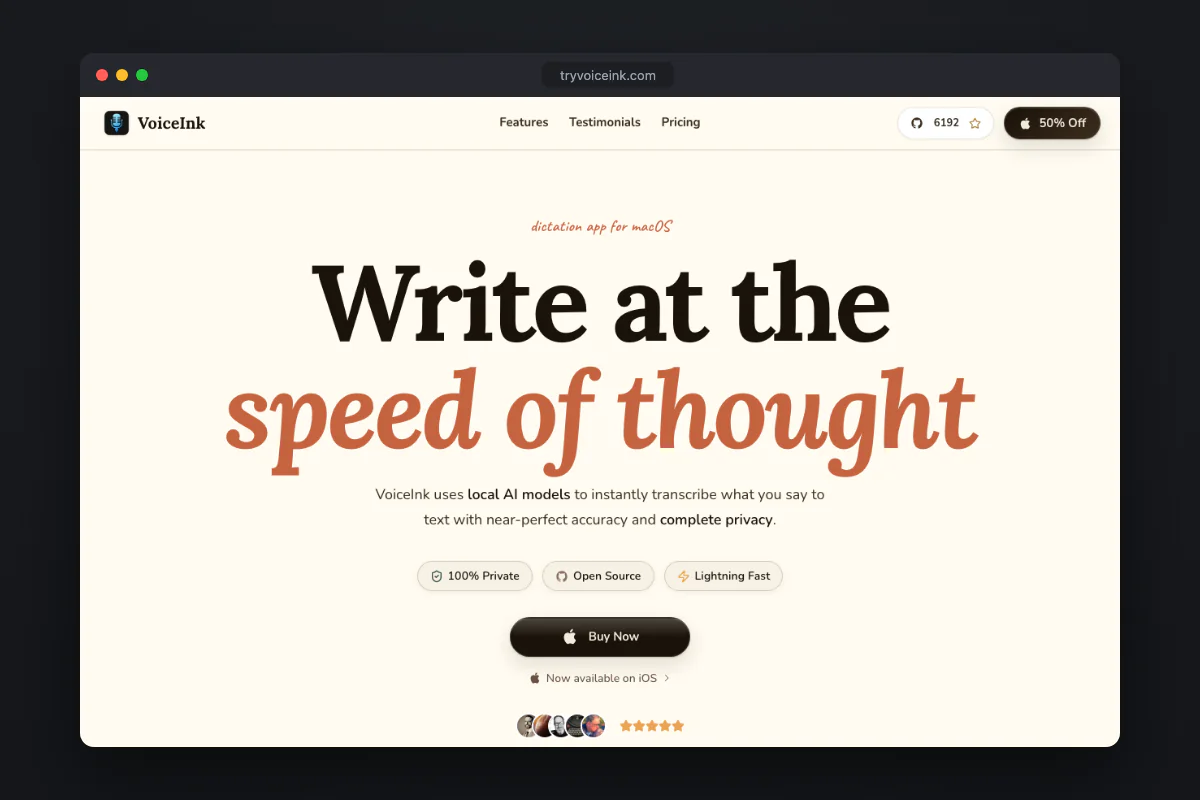
VoiceInk is open source, runs Whisper locally, and costs $29 to $69 one-time depending on how many Macs you license (or nothing if you build it from source). Being able to audit the code is a genuine privacy argument no closed app can match. The interface is more utilitarian than the paid competition and you inherit the rough edges of a small open project, but if open source is your filter, this is your app.
6. Aqua Voice: dictation that reads the room
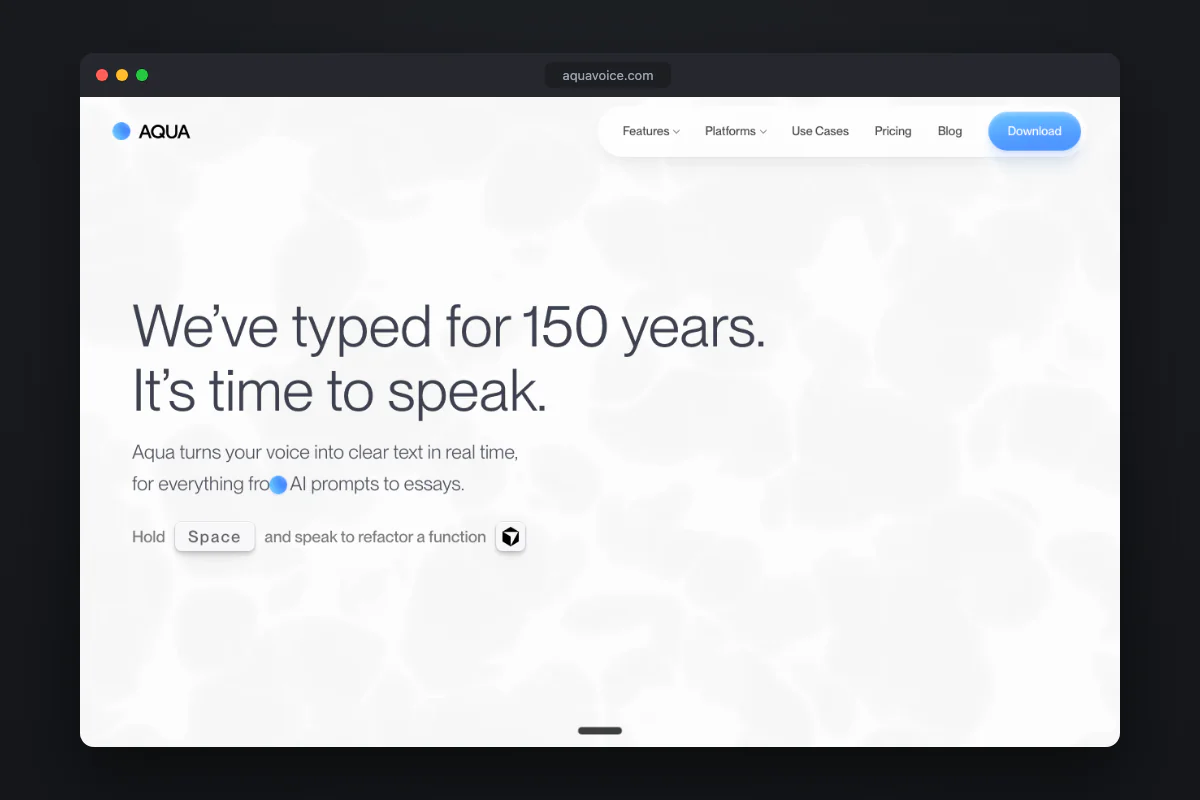
Aqua Voice's angle is context awareness: it looks at what you are writing and formats the dictation to fit. Clever, and genuinely useful in documents. It is cloud-based with subscription pricing, so the same caveats as Wispr Flow apply. A strong second choice in the cloud camp.
7. Apple's built-in dictation: fine until it isn't
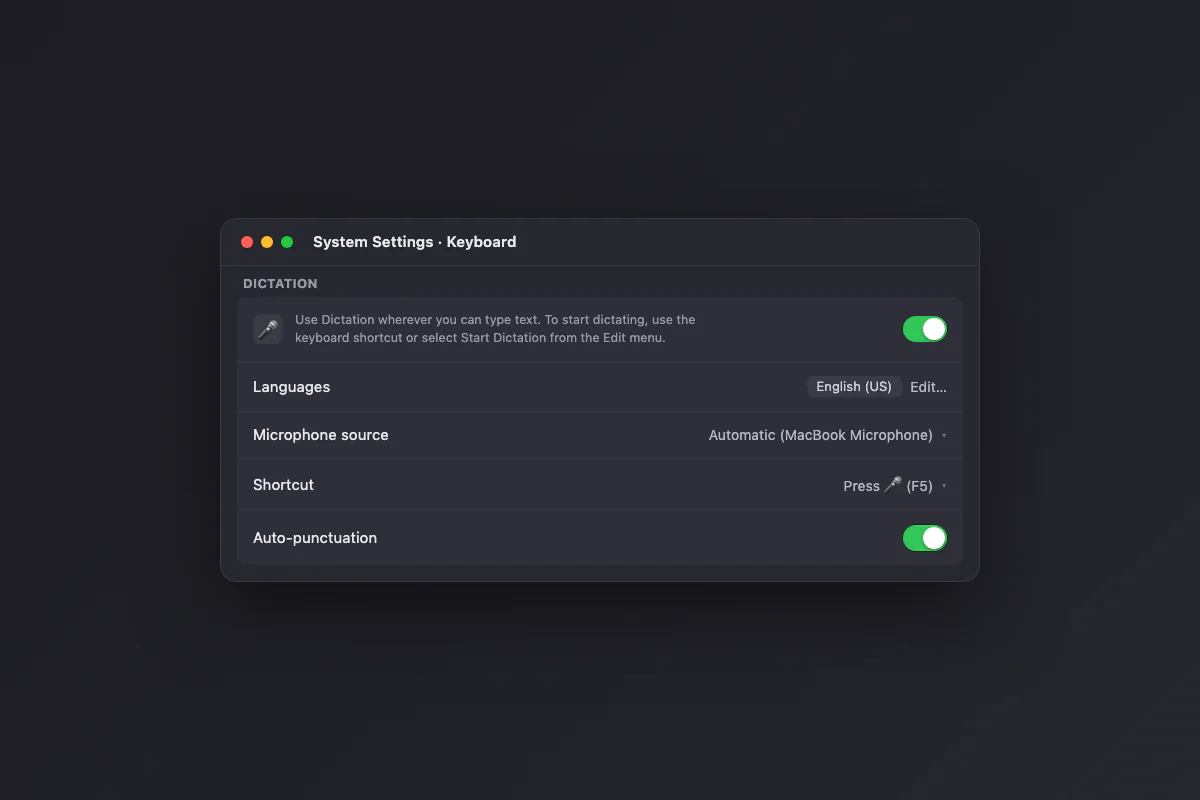
Free, already installed, activated with a keyboard shortcut. For a two-sentence text message it is enough. Its weaknesses show with length: punctuation is erratic, technical vocabulary suffers, and long dictations drift. Every app on this list exists because people hit those walls. Try the built-in first (our guide to dictating on Mac covers the setup, the shortcut and every command); when it frustrates you, you know why the category exists.
Meetings are a third job
Speech to text on a Mac covers three different jobs: live dictation, transcribing recordings, and meeting notes. Meeting capture is inherently cloudy: the value is the AI summary, and consent rules apply because other people are being recorded. Wispr Flow bundles a notetaker with its dictation subscription, and dedicated tools (Granola, Otter and friends) go deeper. Do not pay a meeting-tool subscription just to get dictation as a side feature, and do not expect a dictation app to take minutes.
How to choose
- You dictate confidential material (patients, clients, legal, unreleased work): local only. Dictano, SuperWhisper with local models, or VoiceInk. Clinicians coming from Dragon should read the Dragon Medical alternative guide.
- You want your words rewritten as you speak: Wispr Flow or Aqua Voice, and accept the cloud.
- You transcribe recordings: MacWhisper.
- You want press-speak-paste with no subscription and no server: Dictano.
Our pick, because it is ours: $29 once, 30 days to decide
- ✓ $29 once, no subscription
- ✓ Works offline, audio never leaves your Mac
- ✓ One hotkey, zero setup, no account
- ✓ 30-day money-back guarantee